SnapReceipt
Receipt capture built for accounting practices. A client photographs a receipt, the practice receives review-ready transaction data — merchant, dates, tax, and every line item, each number checked for internal consistency before anyone codes it.
Platform
snapreceipt.dev
By the numbers
Real receipts in public benchmarks
Subtotal exact-match on the hardest public set
Total exact-match on hand-photographed receipts
Processed in-house — no third-party OCR
The problem
Bookkeeping firms drown in paper. Clients email and text photos of receipts and supplier invoices, and staff retype them into accounting software — line by line, field by field. The capture tools that promise relief either skim only the header and lose the line-item detail accountants actually need, or bill per client and per credit in ways that punish practices with many small clients. And when capture goes wrong, it goes wrong silently.
The outcome
SnapReceipt removes the retyping. Upload a photo and receive structured transaction data — merchant, invoice number, dates, subtotal, tax, total, and every line item — with each result checked against the document's own arithmetic. Anything that doesn't add up is flagged for a human to review, never posted wrong by default. Staff shift from data entry to review: they spend minutes clearing exceptions instead of hours typing.
What goes in, what comes out
No portals for clients to learn, no apps to install for the sender. If a client can text a photo, the practice can capture the document.
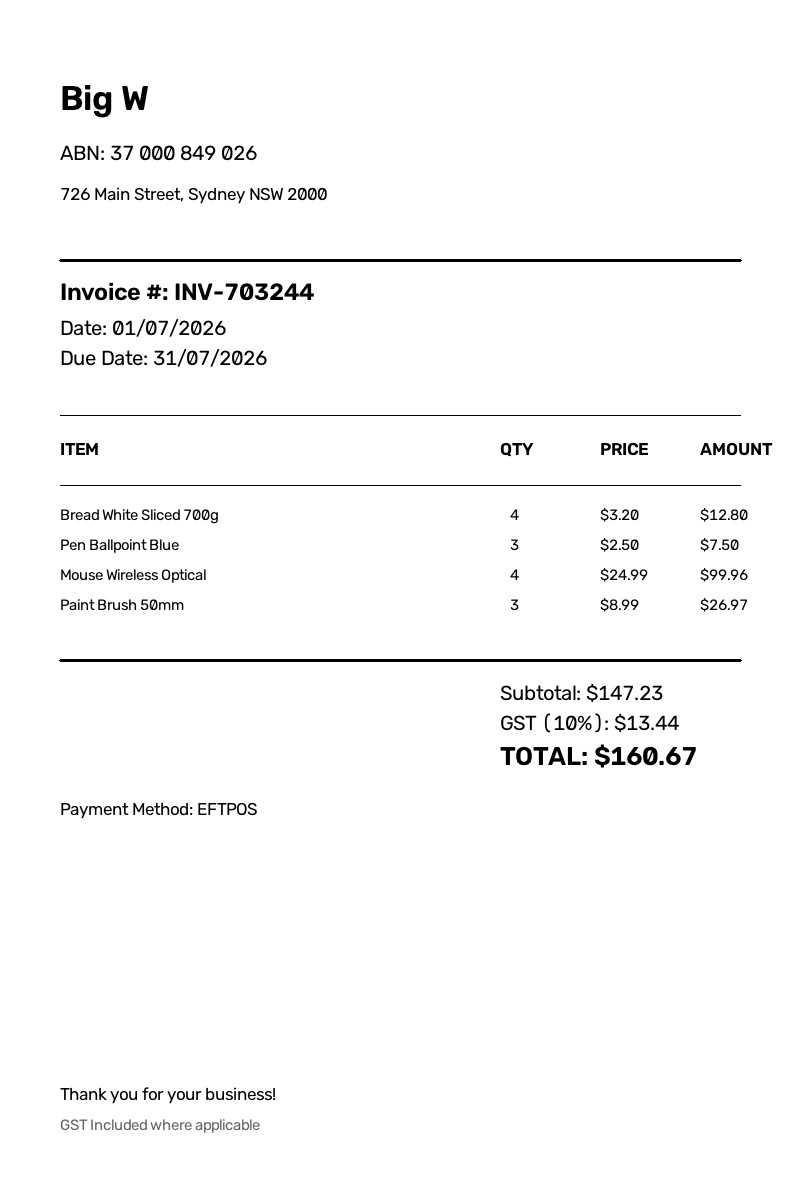
Input: a photo of the document
- Receipts and supplier invoices photographed on a phone, dragged from a desktop, or captured in the field
- Crumpled paper, skewed angles, faded thermal print — the kind of photos clients actually send
- Multiple locales and tax formats, with locale-aware money parsing built in
Output: review-ready transaction data
- Merchant, invoice number, dates, subtotal, tax, and total — plus every line item, not just the header
- Every extraction carries arithmetic checks: line items must sum to the subtotal, subtotal plus tax must equal the total
- Fields that fail a check are flagged red for review; edits re-run the checks until the numbers reconcile
What this means for a practice
The value isn't extraction for its own sake — it's what changes in the firm when capture is trustworthy.
Firm-friendly economics
Document-based pricing with line items included — a deliberate wedge against tools that bill per client with minimums or multiply credits. A practice with many small clients pays for documents, not headcount-shaped tiers.
Audit-ready by default
Every field traces back to the document it came from, and every number has to pass its own arithmetic test. Accuracy is something you can show an auditor — measured on public benchmarks with published numbers, not a marketing percentage.
Privacy by architecture
Documents are processed entirely in-house — nothing is sent to third-party OCR services. For firms handling client financial documents, that is a compliance conversation that sells itself.
Review, not retyping
Staff see a queue of flagged exceptions instead of a pile of paper. Editing a field re-runs the checks instantly, so a document isn't done until the numbers reconcile — and that's a two-minute task, not a twenty-minute one.
The full document, not a summary
Header-only capture loses the line detail accountants code against. SnapReceipt captures the items themselves, so downstream coding starts from complete data rather than a best-guess description.
Built to extend
Export into QuickBooks Online, Xero, and Sage is on the roadmap — presented honestly as coming soon, not as a checkbox. The capture core it plugs into is already running in production at snapreceipt.dev.
Stop retyping receipts
Send a photo, get arithmetic-checked transaction data with every line item — processed entirely in-house. Try it on your own documents.
Try SnapReceipt